How To Make a Website
With WordPress Without Coding Within Under 30 Minutes
- Choose Hosting and a Domain
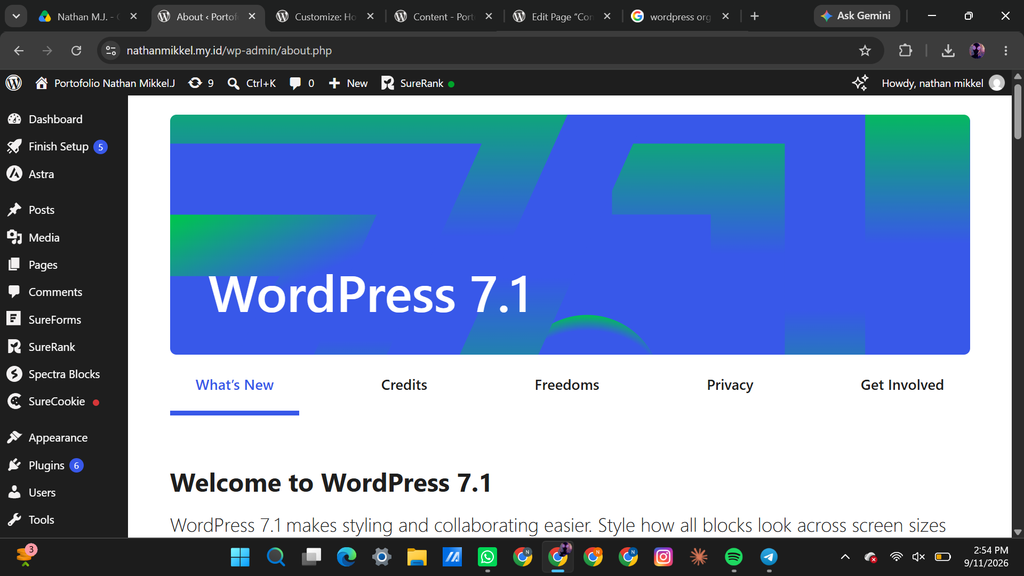
Select a hosting service and register a suitable domain name. - Install WordPress
Use the hosting provider’s one-click WordPress installation. - Select a Theme
Go to Appearance → Themes and choose a portfolio theme you like. - Create the Homepage
Add your name, introduction, photo, and a short description. - Add Portfolio Projects
Create a Portfolio page and display your best projects or works. - Create an About Page
Write a brief introduction about yourself, your skills, and your experience. - Create a Contact Page
Add your email, social media, or a contact form. - Customize the Website
Adjust the colors, fonts, images, and layout to match your style. - Set Up the Menu
Connect the main pages to the website’s navigation menu. - Publish and Test
Check the website on different devices, fix any problems, and then publish it.
How To Make a Website
With S.id Without Coding Within Under 30 Minutes
1.Decide Your Shop Name
- Choose a suitable and memorable name for your shop.
2.Choose Your Products
- Decide what products you want to sell.
3.Set the Selling Price
- Determine a suitable price for each product.
4.Identify Your Target Audience
- Decide who your products are intended for.
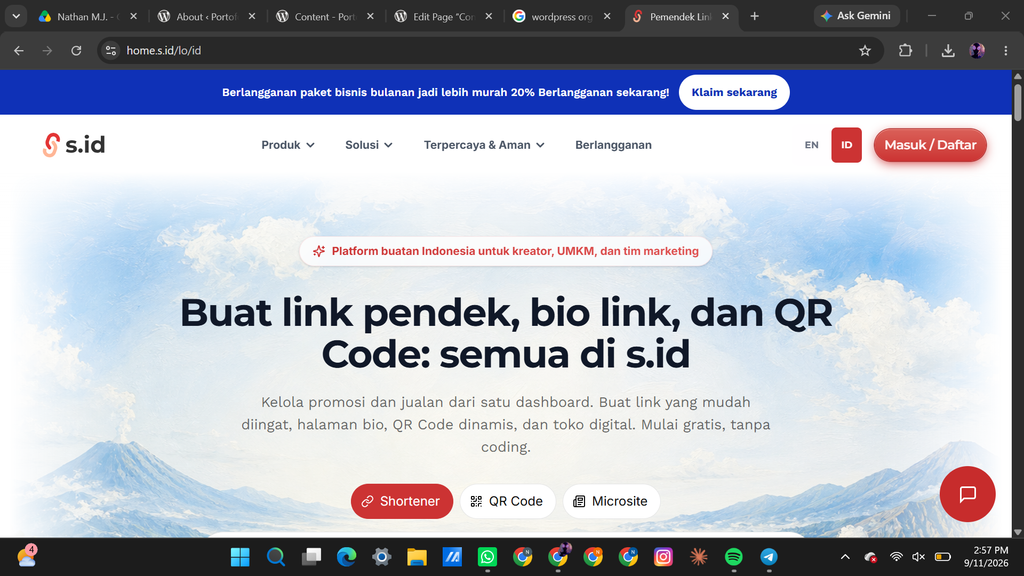
5.Open the s.id Website
- Open the s.id link in your browser.
6.Log In
- Log in using Google, Apple, e.id, or Gmail.
7.Open Shop Settings
- Go to Shop → Shop Settings.
- Fill in the basic information, such as the title, description, background, URL, and contact information.
8.Add and Edit Listings
- Add and edit your product listings and organize them into categories.
9.Add Items
- Go to Manage Items and add your products.